My Room’s Architecture Looks Wrong - How Do I Fix It?
Written By rlowell
Last updated 4 days ago
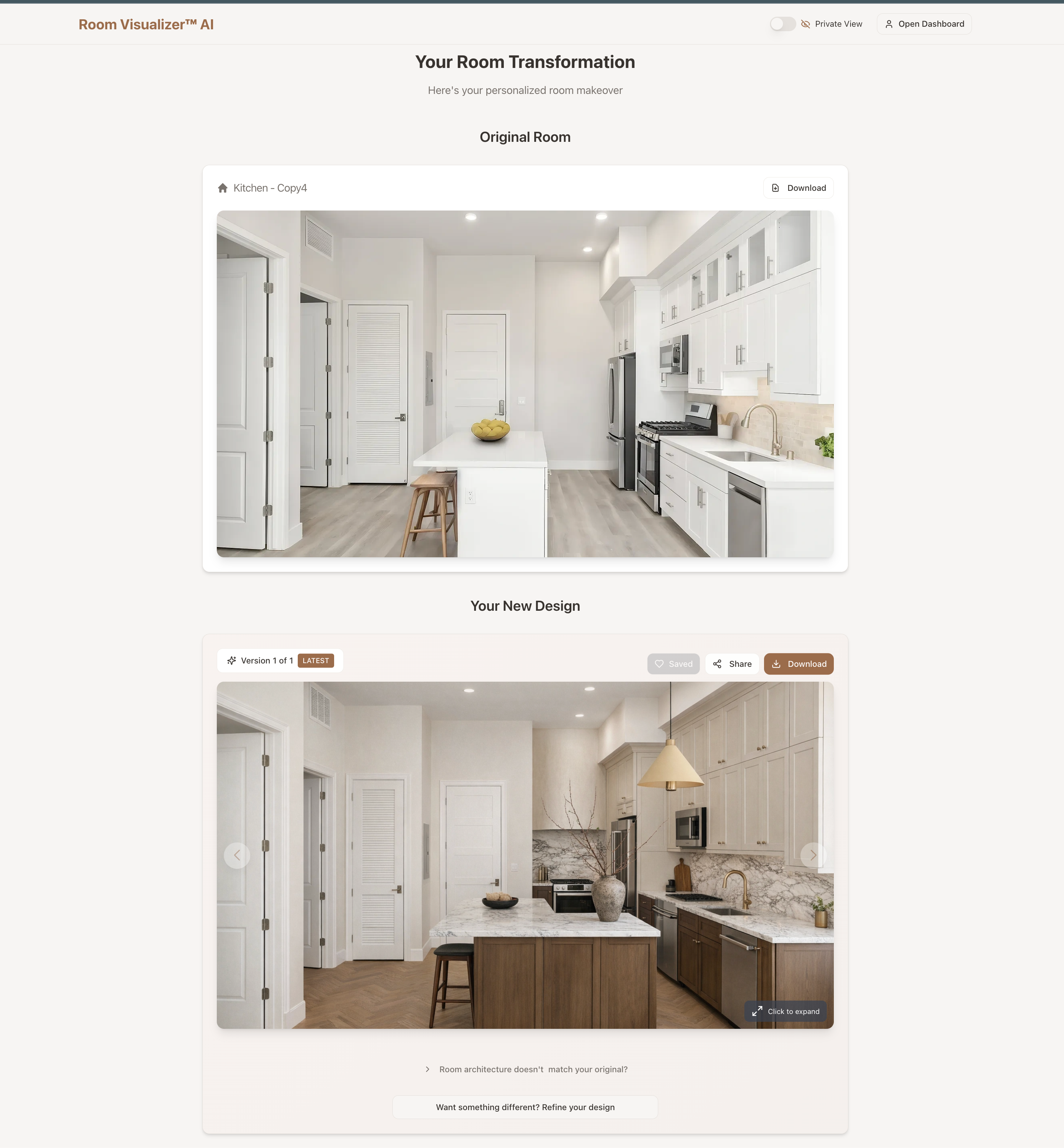
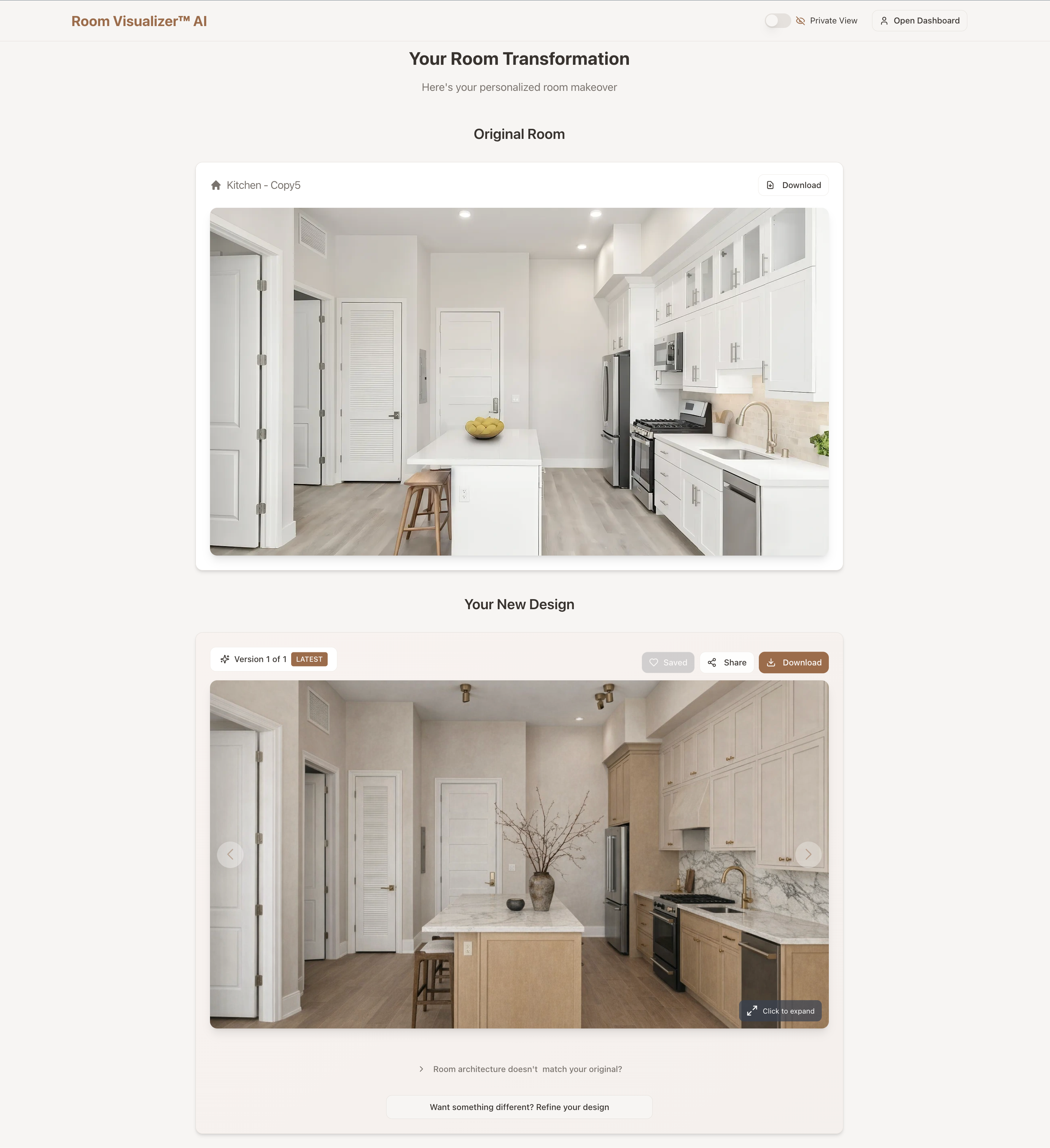
If your AI-generated design looks like the architecture has changed (for example: a window shifted, a wall looks different, or a doorway disappeared), don’t worry. This can happen sometimes, and there’s a simple fix built right into the tool.
How to Fix It:
Go to the results page of your design.
Next to Chat, open the Architecture tab and click Match my room.
The AI regenerates your design with the structural elements matched back to your original photo. You don't need to re-upload anything or start over, and it doesn't cost you a credit.
That’s it!
Check what actually changed
Above your design there's a Compare with original view. Switch it on after a fix and you can see the two side by side.
This is worth doing every time. It's often hard to spot what the AI has quietly altered until you see the images next to each other, and it tells you whether the fix has worked or whether it needs another go.
Describing the changes yourself
If the automatic match keeps missing, or it's fixing something you didn't want fixed, you can describe what you want in your own words instead.
Underneath the Match my room button there's a text box in Architecture mode. Type what you want and click Apply.
This is useful when you want to be selective. For example:
"Keep the original windows but change the wall colour to warm white."
"Restore the door on the left wall but keep the new bookshelf."
"Put the ceiling height back to the original but leave everything else."
Be specific about what to change and what to leave. The more precisely you describe it, the closer the result.
What if the room still looks wrong?
Occasionally, the AI may misinterpret the photo and produce a room that looks quite different from the original. This is sometimes called AI hallucination, where the model invents details that weren’t actually in the image.
Go back to the Furnishing and Decorating or Kitchen and Bathroom tool and generate again with the same inputs, adding a short instruction:
"Keep my kitchen layout the same."
"Do not change the bathroom layout."
Most of the time that's enough to keep the result close to your real room from the start.
Was this helpful?
Still need help? Ask the team