My first design didn’t look quite right. What should I do?
Written By rlowell
Last updated 4 days ago
If your first design isn’t quite what you expected, the best thing to do is try a few variations. Small changes to your inputs can lead to very different and often much better results.
Here are a few things that usually help:
Refine it, or start fresh
If the direction is close, refine it in the chat. If you want to explore a different look/concept, the best result often comes from starting fresh with different inputs.Try the other AI model (In Furnishing & Decorating)
The app picks a model for you, but you can switch to the other one in Advanced Options. Each model has a slightly different interpretation style. If one result isn’t ideal, the other model may produce something closer to what you’re looking for.Use different inspiration images
AI works much better when it can see what you mean. Uploading a few inspiration images often produces stronger results than relying on text descriptions alone.
This is especially helpful when you're exploring a style direction rather than specific items.
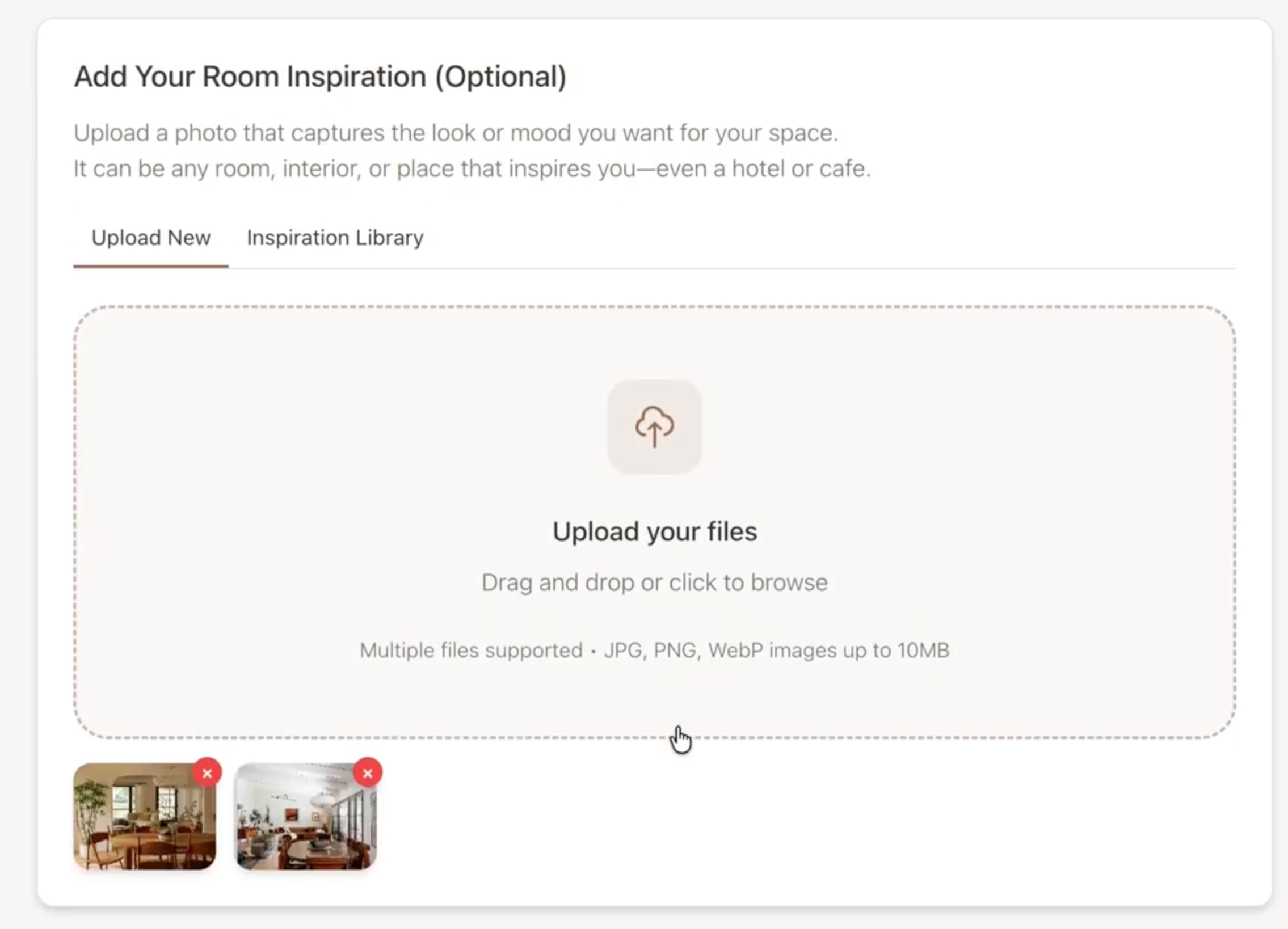
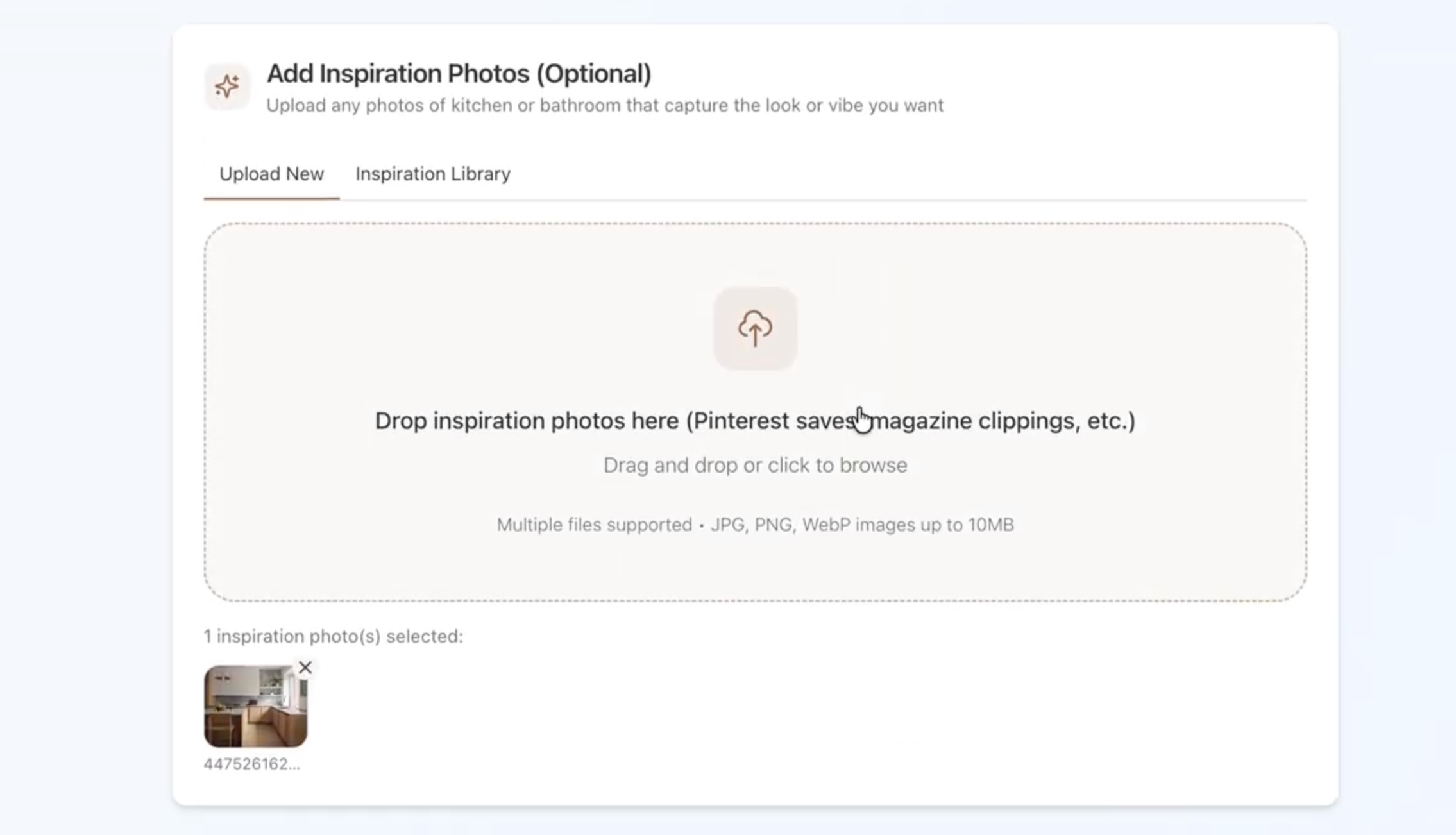
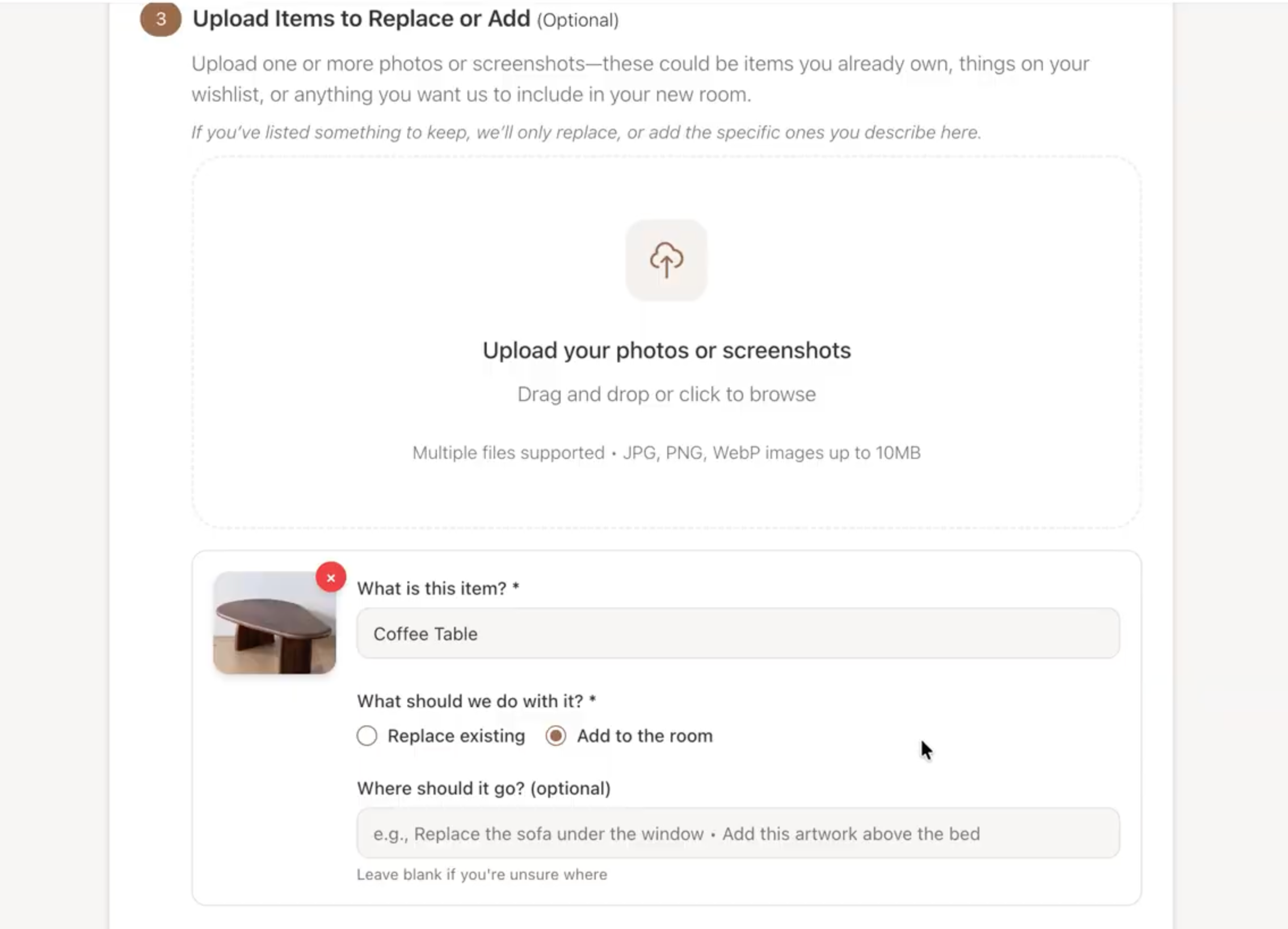
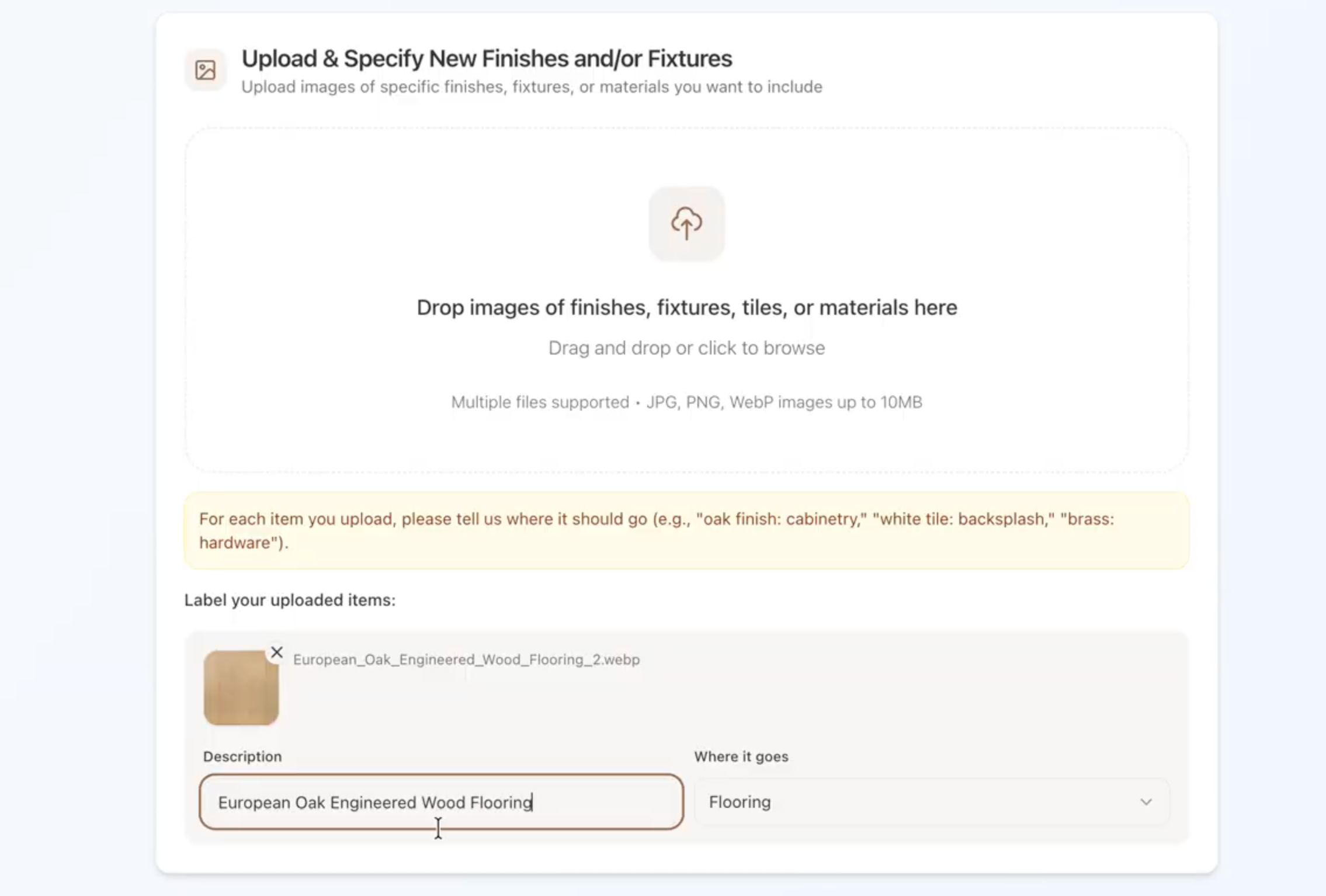
4. Upload furniture or decor (or fixtures & finishes) images
If you have something particular in mind, adding an image helps the AI understand your intent much more clearly.
For example:
A sofa, chair, lamp, or furniture for furnishing & decorating
A tile, countertop, tapware, or cabinet finish for kitchen & bathroom
Images almost always produce more accurate results than text descriptions alone.
5. Simplify your instructions
Sometimes shorter instructions work better than very detailed ones. Start simple, then refine from there.
Occasionally, the AI may misinterpret the photo and generate a room where the architecture looks different — for example a window moved, a wall changed, or the layout looks unfamiliar.
If that happens:
1. Use Match my room in the Architecture tab
Open the Architecture tab next to the chat and click Match my room. It brings the architecture back to your original photo, and it doesn't use a credit. Here's the full guide.
2. Try generating again with the same inputs but add a short instruction such as:
“Keep my kitchen layout the same.”
“Do not change the bathroom layout.”
Most of the time, this resolves the issue. The AI simply needs another attempt to correctly interpret the image.
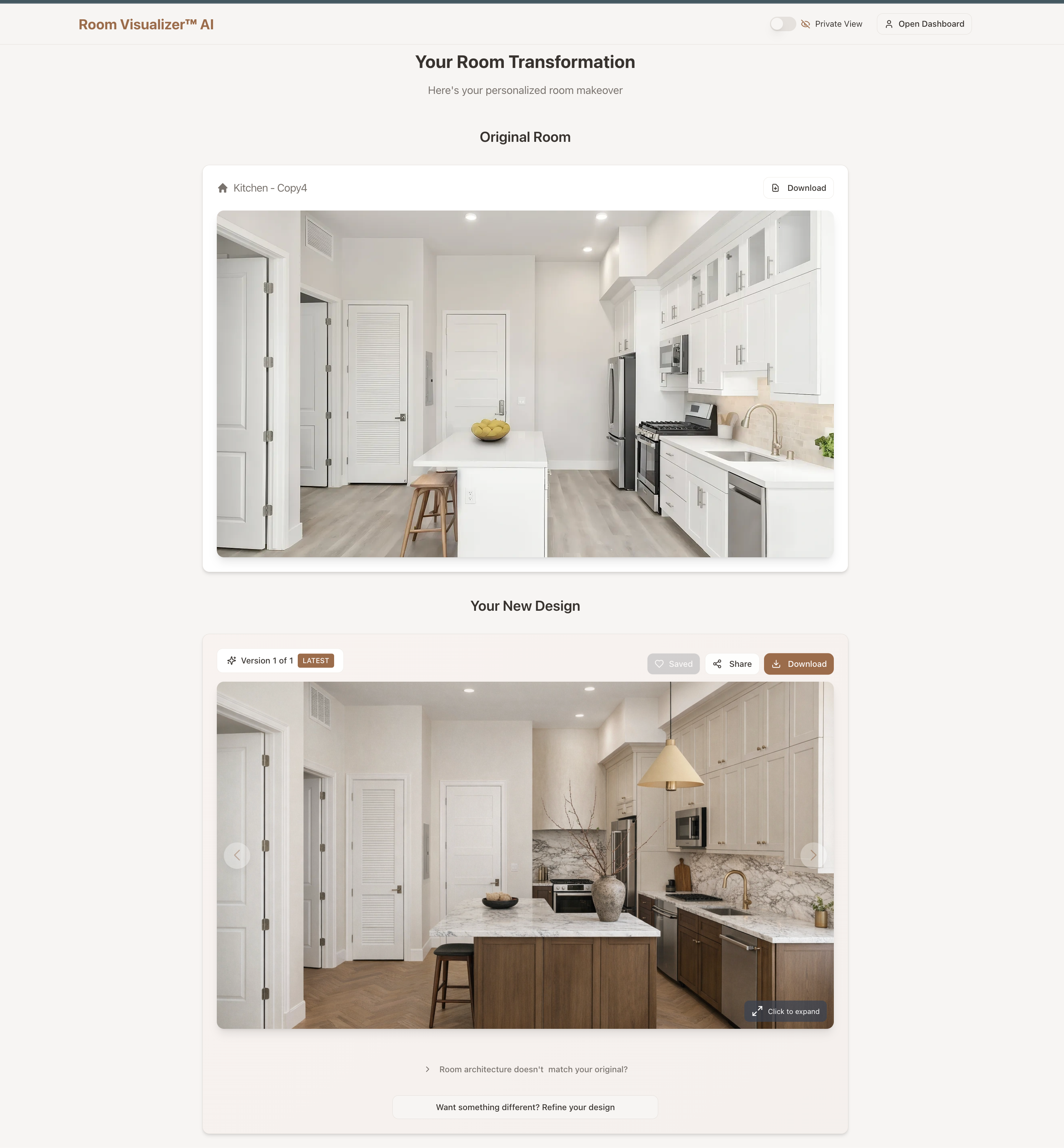
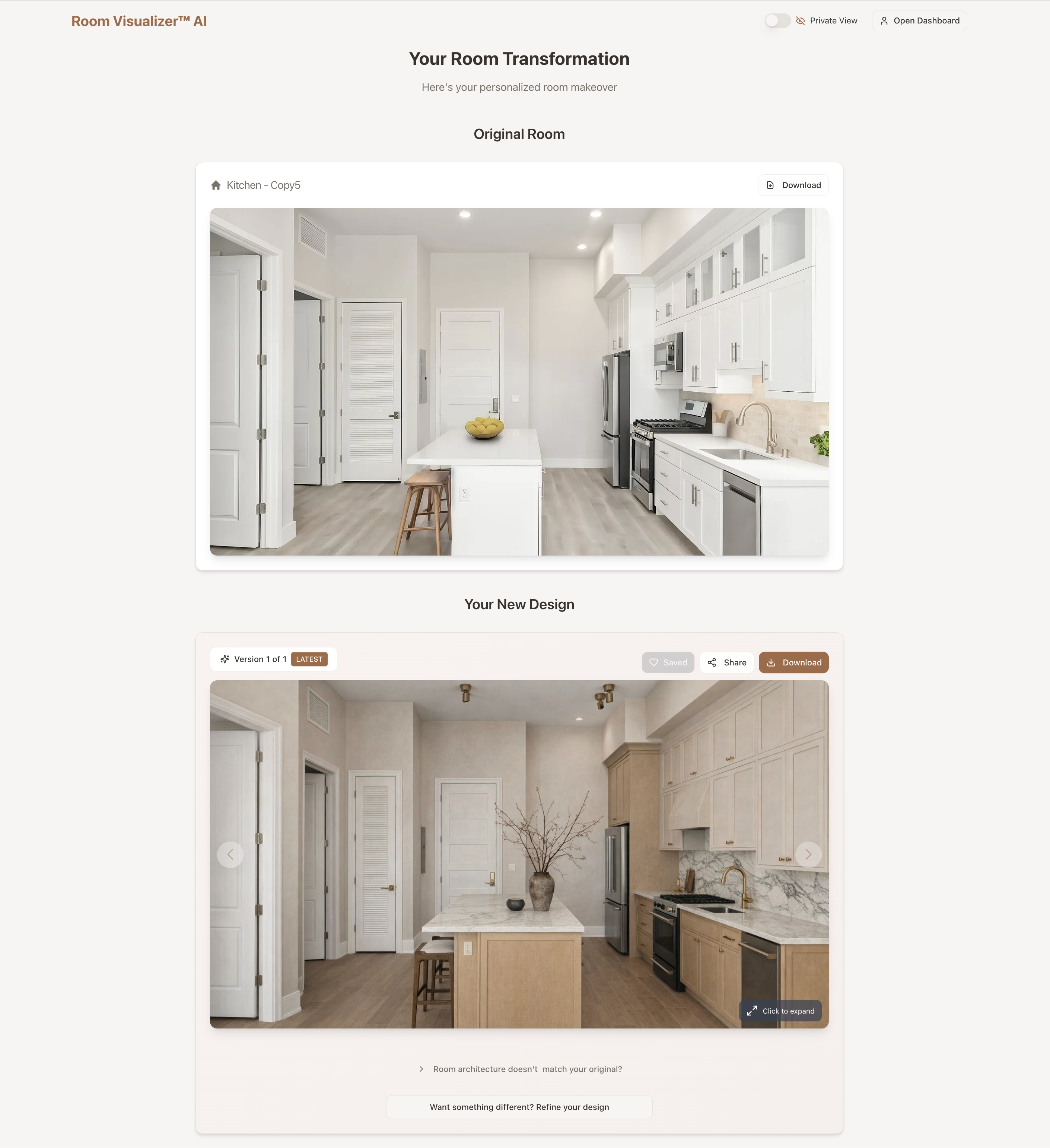
Most users find that after a couple of tries, the results get much closer to what they had in mind. Think of the first result as a starting point for exploration, not necessarily the final design.
Was this helpful?
Still need help? Ask the team